





Comparison of Chemical and Laser Cleaning of an Anilox Roll
In one printing plant, we compared chemical deep cleaning with LaserEcoClean laser cleaning. The test roll, No. HH6007588, had a line count of 340 lpcm and a cell volume of 4.9 cm³/m². It had been in service for one year and had been cleaned regularly. The comparison was performed as follows: 1. The roll was first cleaned chemically; 2. The next day, one half of the roll was cleaned by laser; 3. Optical density was measured with a densitometer using Cyan ink; 4. A solid was printed under identical conditions and 6–7 measurements were taken across the print area.
Chemical Cleaning of the Roll
Measurements were taken before chemical cleaning and after each cleaning stage.
01
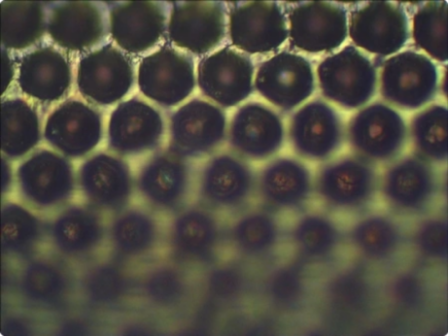
Roll surface before cleaning; all images at 400× magnification,
Dr = 1.30;
Dr = 1.30;
02
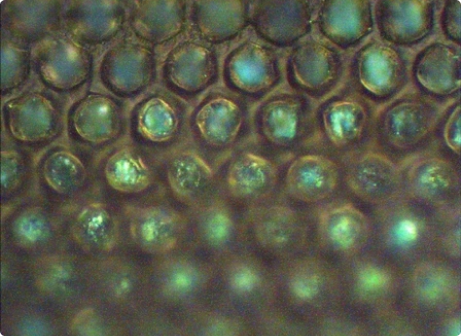
Roll surface after chemical cleaning. The chemical softens the ink but does not completely remove it from the deep, narrow cells of a high-line-count roll;
03
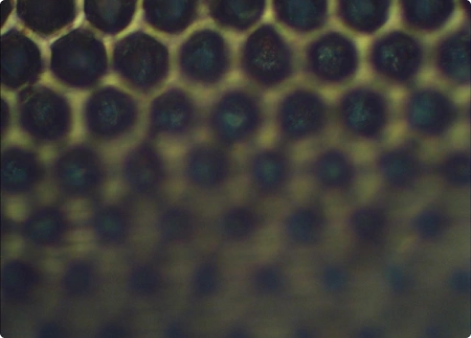
Roll surface on the day after chemical cleaning. The cells are clogged with ink again. The test showed that fresh ink adheres much more strongly to residual ink than to clean cells.
Dr = 1.42;
Dr = 1.42;
LaserEcoClean Laser Cleaning
Measurements were taken before cleaning and after each cleaning stage:
04
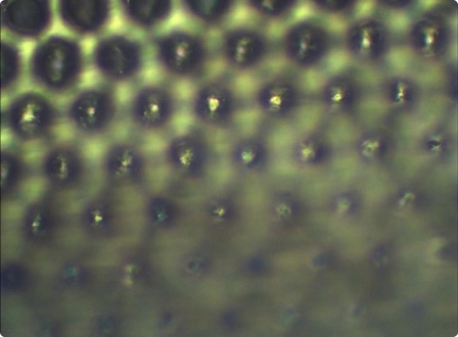
Roll surface after safe laser cleaning. The micrograph shows that the cell bottoms are clean and reflective. According to the printing company, the cleaning result remained stable for more than four months.
Dr = 1.63;
Dr = 1.63;
05
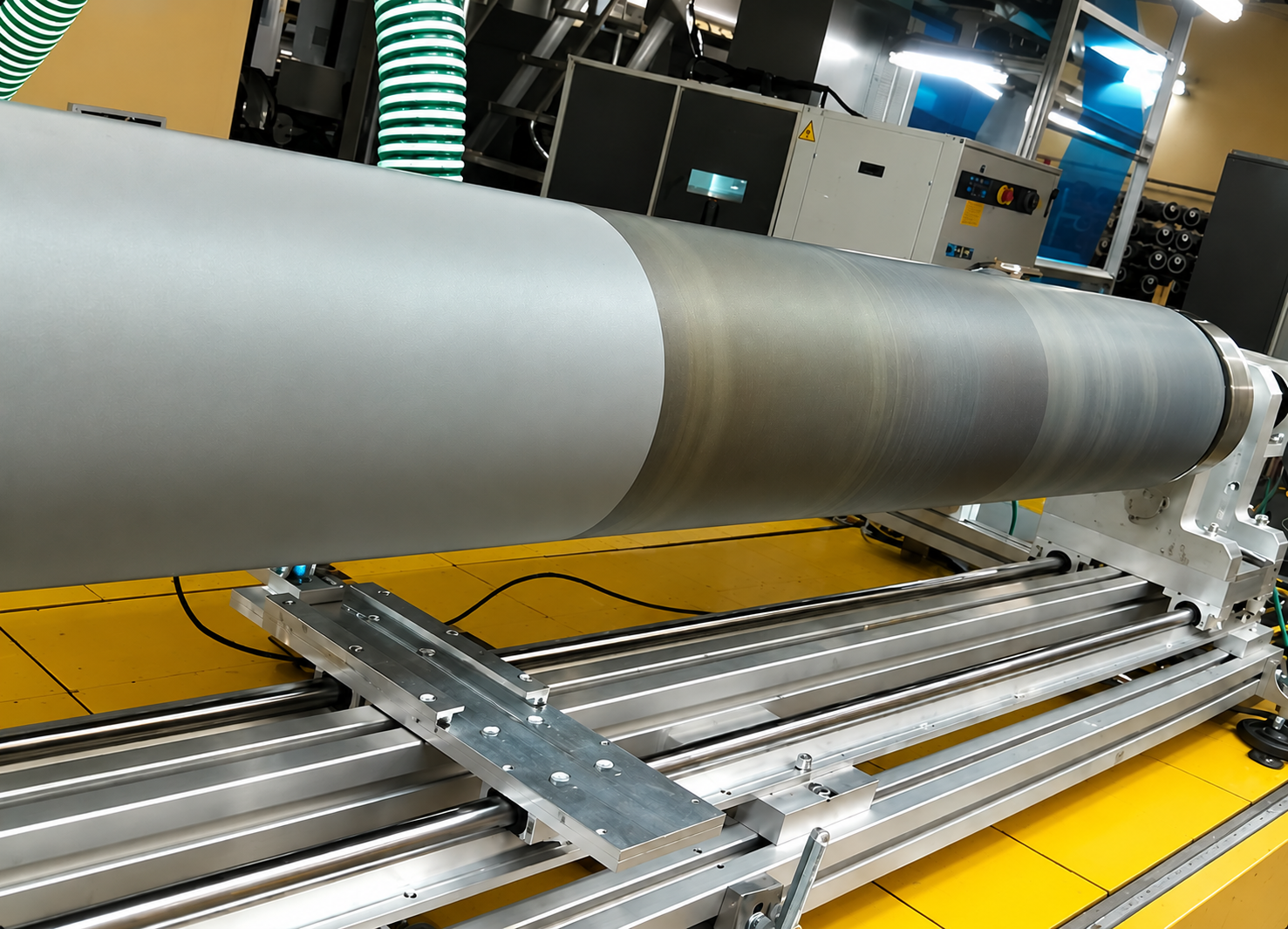
Roll surface during safe laser cleaning. The bands on the roll surface visibly disappear;
06
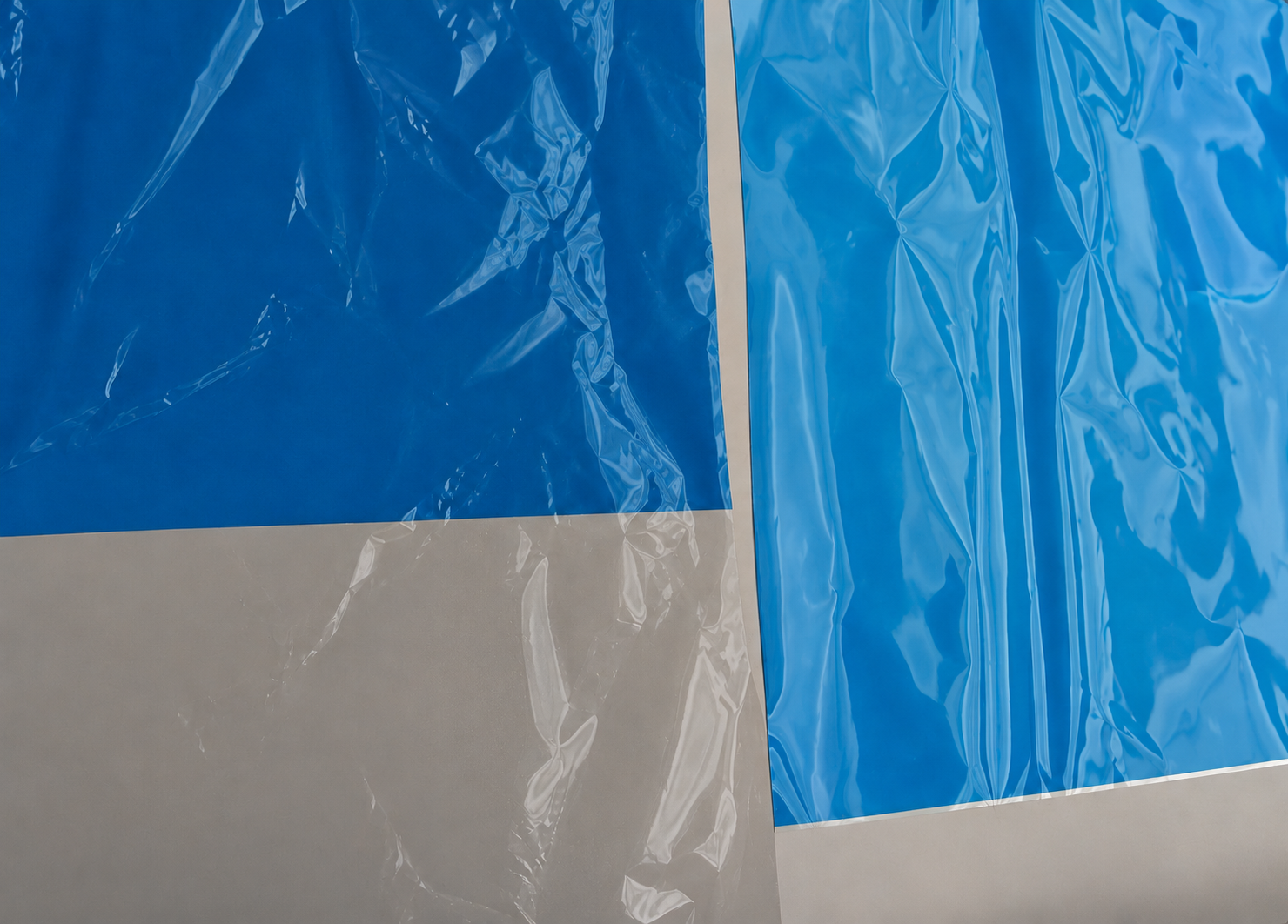
Print results after cleaning (left) and before cleaning (right).